



Table of contents: Adjusting the brake light switch ↓ Checking the brake light switch ↓
The brake light switch is located in the Audi-100 just above the brake pedal and is accessible only after removing the shelf on the left and the air duct located behind it. If you press the pedal, the switch pin moves outward and closes the contact to the brake lights.
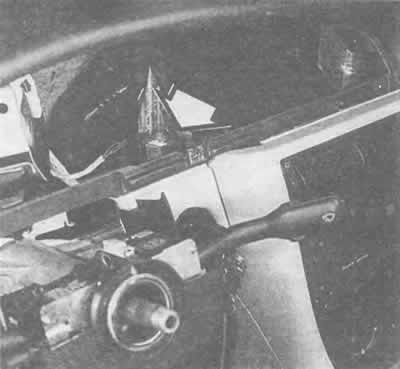
With the instrument panel removed, you can see the turn signal relay (arrow), which is attached with a bracket to the instrument panel.
Adjusting the brake light switch
Remove the shelf on the left under the dashboard.
Press the brake pedal with your hand.
Forcefully push the brake light switch forward along its guide until it stops.
Now release the brake pedal and pull the switch back as far as it will go.
Thanks to these manipulations, the brake light switch will automatically take the desired position.
Checking the brake light switch
If both brake lights fail, first check to see if the cause is in the switch.
Disconnect the wire tip from the switch.
Place a jumper across the wire connections in the plug.
If the brake lights now come on, then the brake light switch was faulty.