



The on-board computer is activated by a button located to the left of the central ventilation nozzle, labeled "Computer". The computer outputs information to the display screen at the bottom of the tachometer.
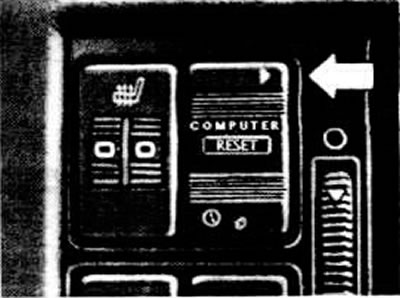
Trip computer control key
Each time you press the top of the "Computer" key, the display shows information in the following order:
- travel time, maximum 23 h 59 min;
- average fuel consumption;
- average speed of movement;
- range with remaining fuel;
- current fuel consumption.
To display the time of day, press the bottom of the key.
The information displayed on the display is indicated by a small triangle, the tip of which is directed towards the corresponding symbol at the top or bottom of the display.
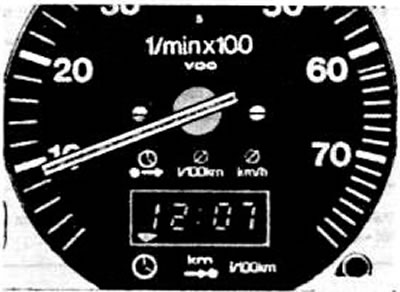
On-board computer display. Control triangle (lights up in the position corresponding to the selected function)