



The error registration memory may contain entries when: There is a failure in the system. Not all wheels with tire pressure sensors are installed. When installing tires without or with incorrect tire pressure sensors. (In this case, the yellow "System fault icons" indicator light comes on in the instrument cluster and cannot be deactivated via the system.) The system has recognized new sensors, although the button on the multimedia system control panel. "E380" for setting the current tire pressure values was not pressed. (In this case, the system error can be cleared by pressing a button.)
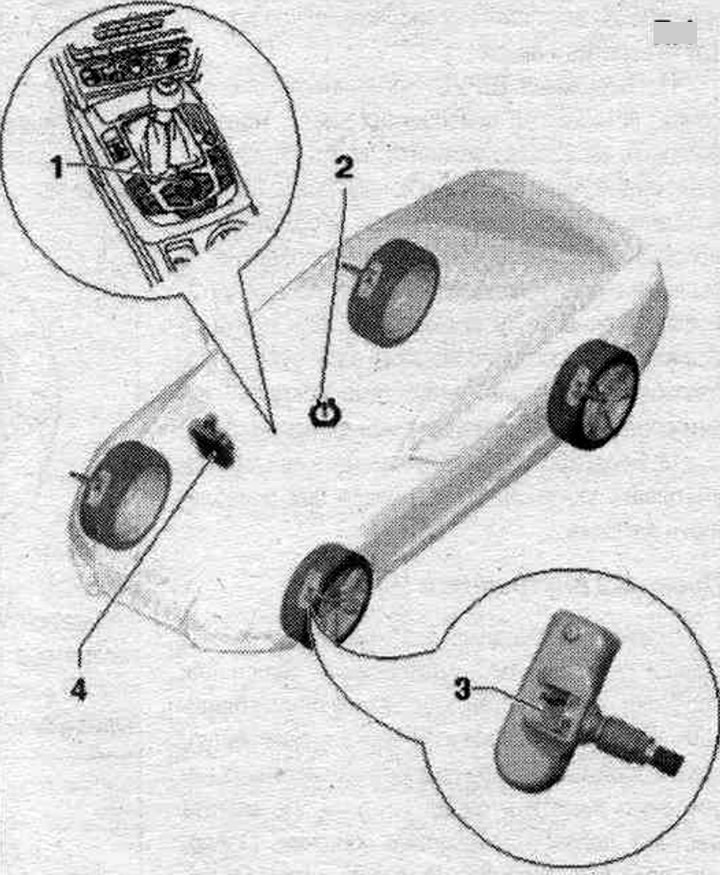
1. Multimedia system control panel. "E380"; installation location: multimedia system control panel. "E380" is installed in the center console; by pressing the "CAR" function button, you can select the "Tire Pressure Monitoring" function in the vehicle's "Systems" system menu using the rotary control.
2. Indicator on the instrument cluster.
3. Tire pressure sensor, front left. G222-, front right "G223", rear left "G224" and rear right "G225"; if the position of the wheels in the vehicle has been changed, the wheels or tire pressure sensors have been replaced, or the tire pressure has been changed, the control unit must be re-adapted.
4. System control unit. tire pressure monitoring unit "J502": in case of replacement of the tire pressure monitoring unit "J502". tire pressure monitoring system "J502" requires re-coding of the system.
Removal and installation the control unit of the system. tire pressure monitoring system "J502"
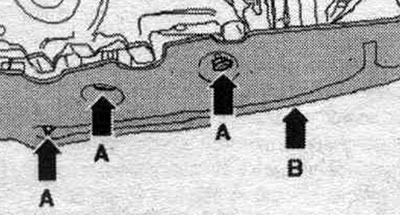
The tire pressure monitoring control unit "J502" is located in the front right footwell, under the dashboard. Before removing the control unit of the system. for the tire pressure monitoring system "J502", perform the "Control unit replacement" function in the Guided Fault Finding mode. Remove the glove compartment. Remove the threshold trim. Unscrew the fasteners "arrow A" and remove the trim "arrow B".
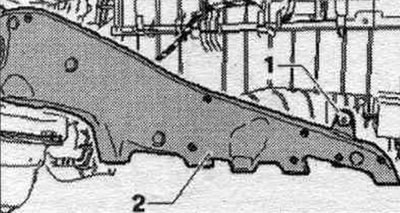
Unscrew bolt "1" and remove deflector "2".
Remove the "arrow" cover and take out the cabin filter. Using a second mechanic, carefully bend the floor covering to the side.
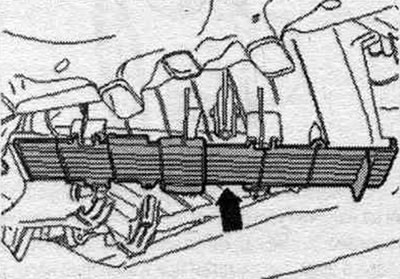
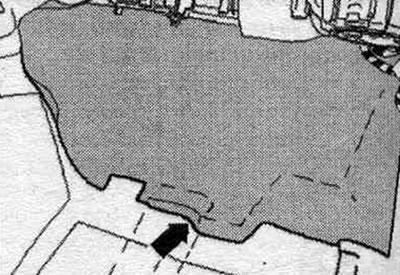
Turn the insulating mat "arrow" upwards.
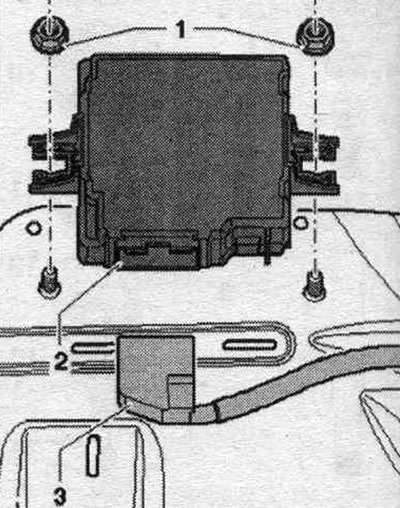
Unlock and remove connector "3". Loosen nuts "1" and remove the system control unit. tire pressure monitoring "J502" "1" up.
Installation
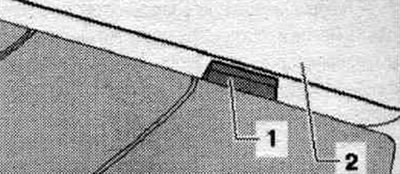
Installation in reverse order. If, when returning the floor covering to the installation. if the center console has been removed from the dashboard, insert the center console pivot "1" into the dashboard "2". Tighten the nuts "1" to a torque of 2 Nm.
In case of replacement of the system control unit. the tire pressure monitoring system "J502" requires re-coding of the system.
(Read the original source on the website: audimanual.ru)